X Icon Changer
-
4.4
-
Developer
ASTER PLAY
-
Category
Personalization
-
Version
3.1.7
-
Android OS
4.4
-
Downloads
900M
-
Content rating
0
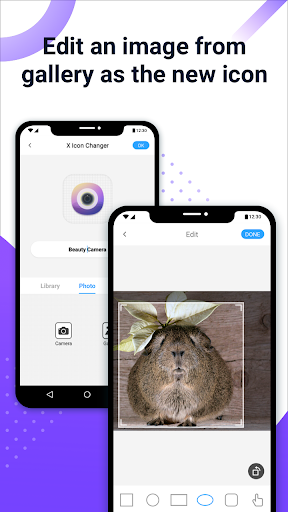
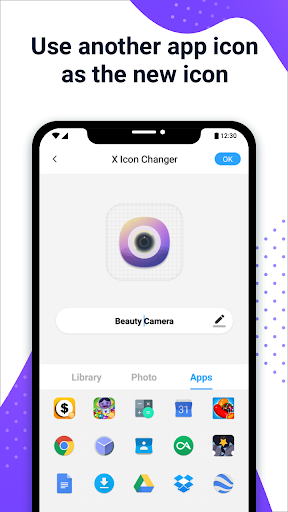
X Icon Changer is a totally free and useful app which can help you change & customize icons and names for any apps. The new icons can be chosen from gallery, other app icons and lots of personalized icon packs. Our app will create a shortcut to the new icon on your home screen. This is the easiest way to decorate your android phone.
HOW TO USE
1. Enter X Icon Changer.
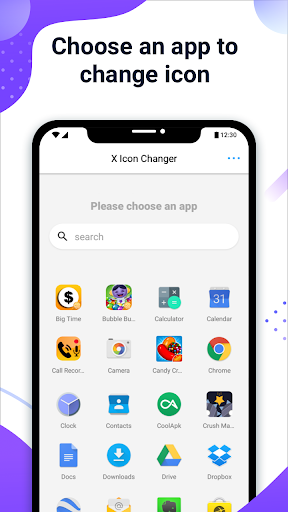
2. Choose an app.
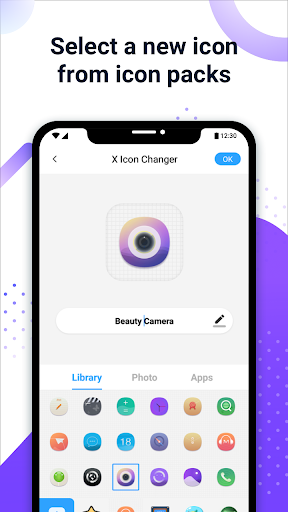
3. Select a new icon from the built-in icon packs, your gallery, other app icons or personalized third-party icon packs.
4. Edit a new name (can be null) for the app.
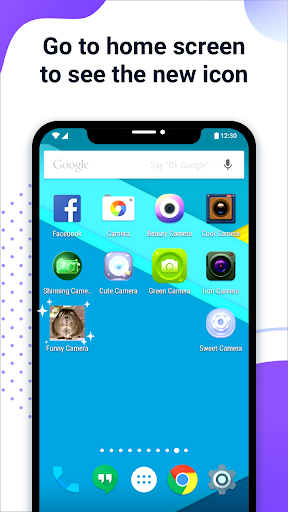
5. Go to the home screen / desktop to see the new shortcut icon.
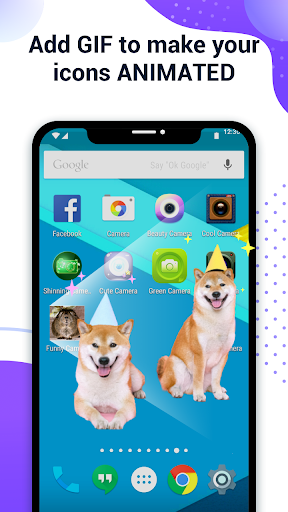
6. Add a GIF to play an interesting GIF animation when the new app icon launches.
ABOUT THE WATERMARK
On Android 8.0 and above, the system will automatically add a watermark to the shortcut icon. We provide a way for you to perfectly change app icons without any watermarks using widget technology:
1. Go to the home screen / desktop, long press a blank space and then click “Widgets” in the pop-up menu.
2. Find “X Icon Changer” on the widget page, long press it and drag it to your desktop.
3. The X Icon Changer widget will open automatically. After that, you can change your app icons without any watermarks.
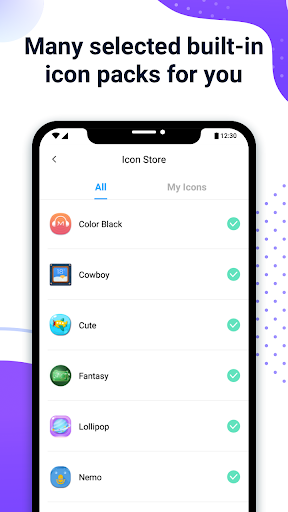
There are lots of selected personalized icon packs built into X Icon Changer. The app and those icon packs are all free to get. Just download X Icon Changer now to decorate your android phone.
Screenshots