DJ Music Mixer
-
4.2
-
Developer
QT App Manager
-
Category
Music & Audio
-
Version
1.3.0
-
Android OS
Varies with device
-
Downloads
600M
-
Content rating
0
Pros
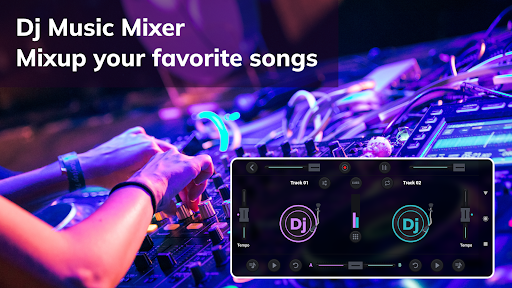
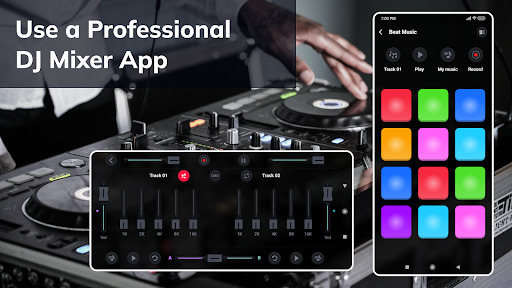
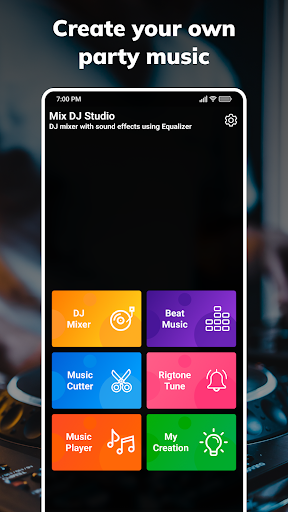
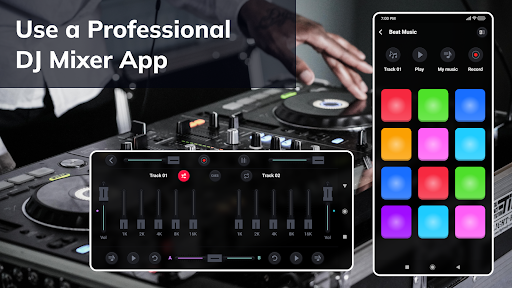
DJ Music Mixer - Dj Remix Pro delivers professional-grade, intuitive mixing tools for live and studio use. Real-time waveform displays, automatic BPM detection, precise cue points, crossfader control and multi-deck support let DJs beat-match and blend tracks effortlessly, speeding workflow and improving accuracy for polished mixes every time.
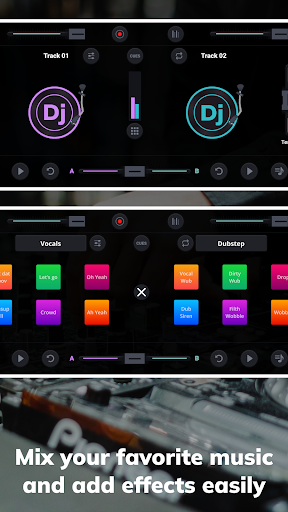
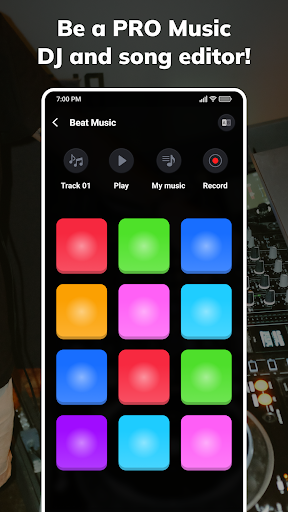
Creative performance features in Dj Remix Pro include dynamic audio effects, loop and sample pads, scratching tools, EQ and filter controls, and tempo/pitch adjustment. Real-time effects and high-quality processing let you sculpt unique transitions and remixes, while built-in recording captures your sets for easy export and social sharing.
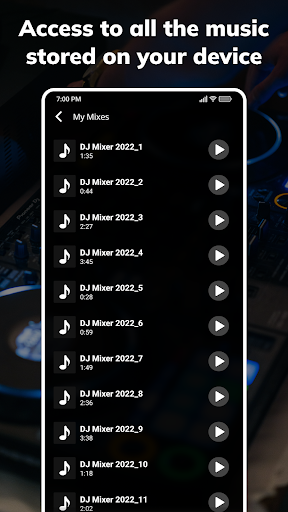
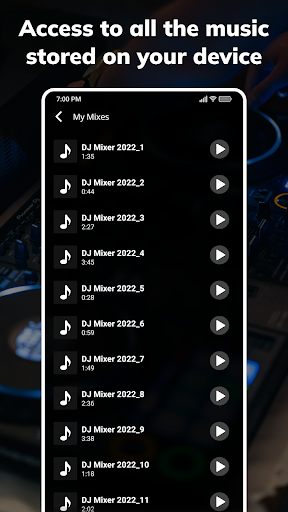
Robust library management and performance-ready tools make DJ Music Mixer user-friendly for beginners and pros. Fast library search, playlist creation, support for multiple audio formats, cloud import/export, low-latency audio engine, and customizable performance layouts enable seamless set preparation and reliable live shows with quick saving and instant recall.
Cons
The app is geared toward casual users and lacks many professional-grade tools. It doesn’t offer true multitrack recording, advanced stem separation, detailed automation, or studio-quality time-stretching and pitch correction. DJs who need precise control for live sets or complex edits will find the feature set too limited for pro workflows.
Free use is hindered by frequent ads and paywalled features. Many essential tools and high-quality export options require a subscription or one-time purchases, interrupting the experience with upsell prompts. This can frustrate users seeking a fully functional free app or those who prefer a single, transparent pricing model.
Performance and compatibility issues affect reliability on lower-end devices. Users report occasional crashes, audio latency during live mixing, and higher battery and CPU consumption. Exported tracks may be compressed at lower bitrates unless you upgrade, limiting sound quality for distribution or professional playback.
Screenshots