Concepts
-
4.7
-
Developer
TopHatch, Inc.
-
Category
Art & Design
-
Version
2021.12.8
-
Android OS
Varies with device
-
Downloads
800M
-
Content rating
0
Pro
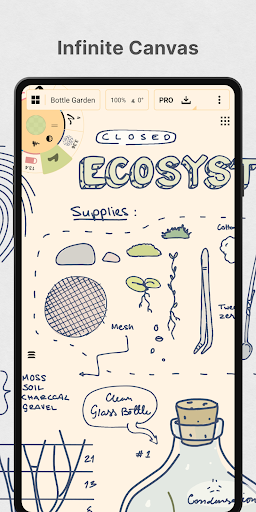
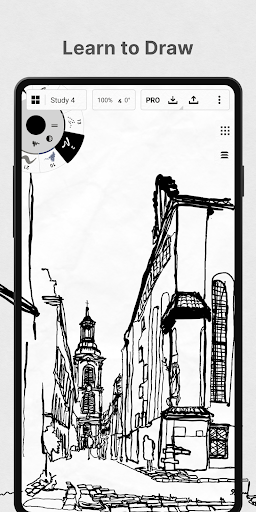
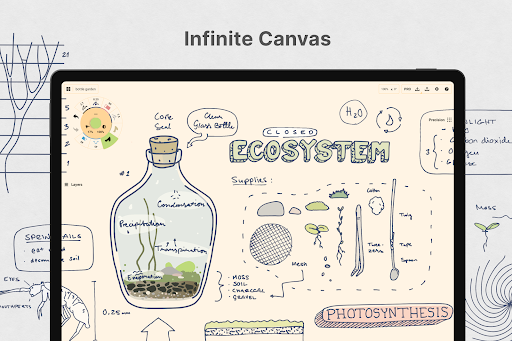
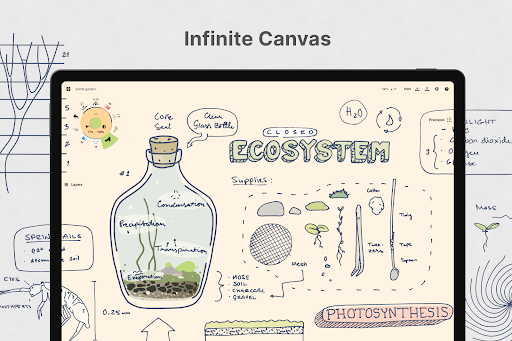
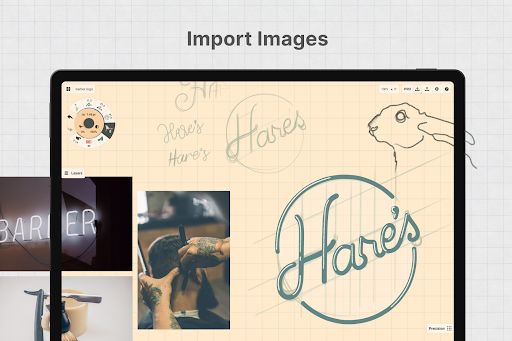
1. Infinite Canvas and Vector Drawing: Concepts offers an infinite canvas with vector-based drawing, which means that you can sketch without worrying about running out of space, and your drawings can be scaled up without losing quality. This is particularly useful for detailed projects that require a lot of room and precision.
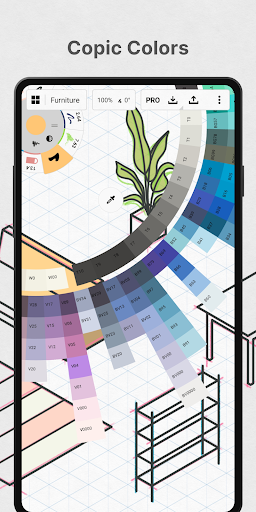
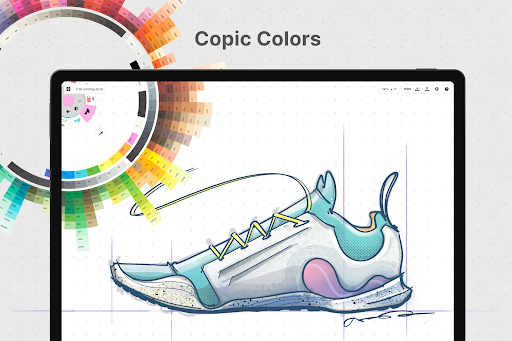
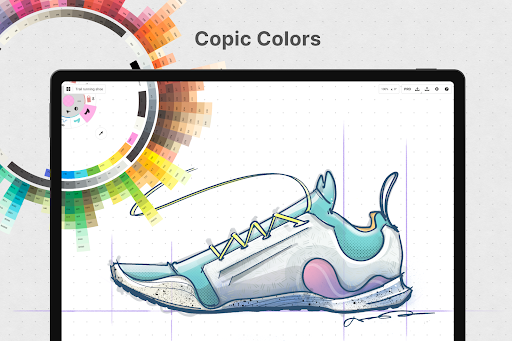
2. Customizable Tools and Brushes: The app provides a wide variety of brushes and tools that can be customized to suit the user's needs. This level of customization can greatly enhance the drawing experience and allows artists to create unique styles and strokes that mimic real-life drawing tools.
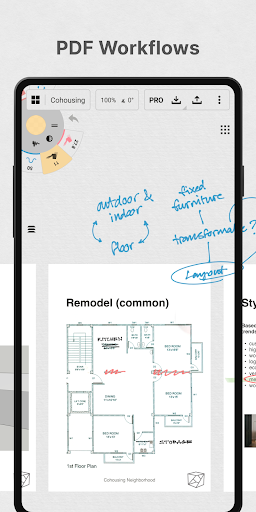
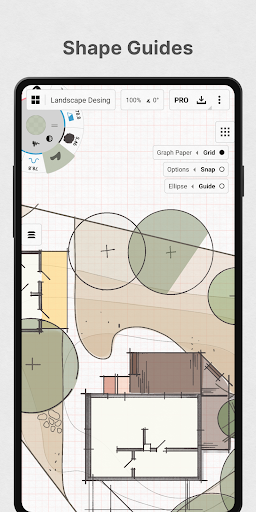
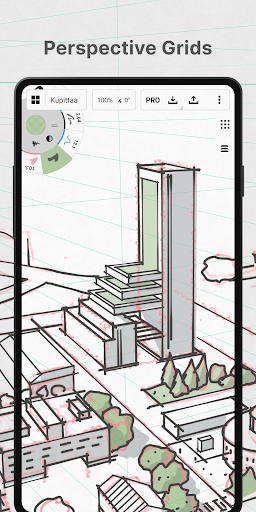
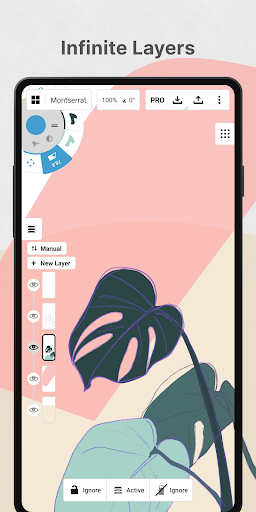
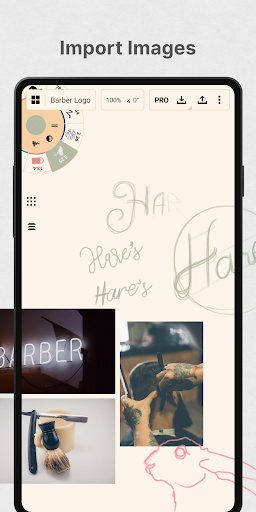
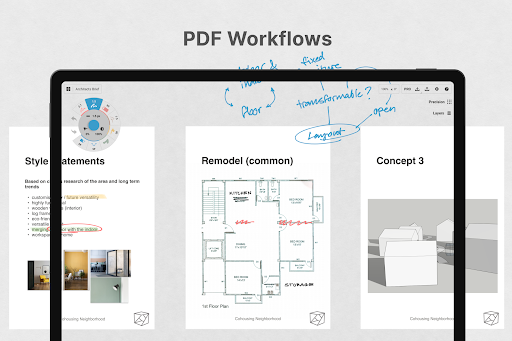
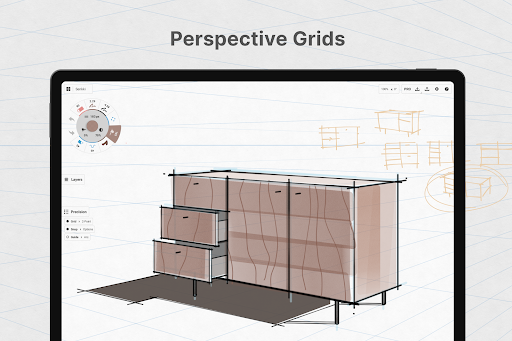
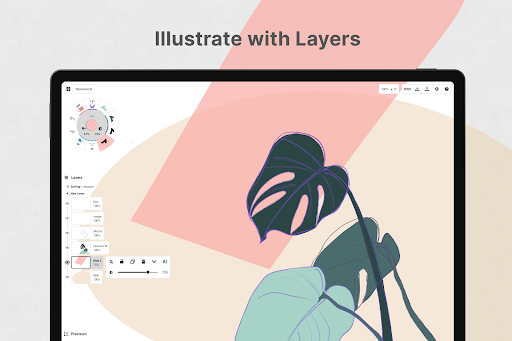
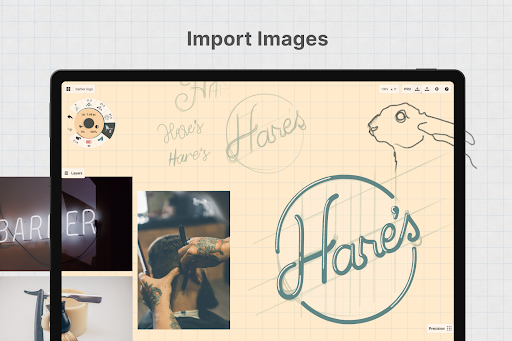
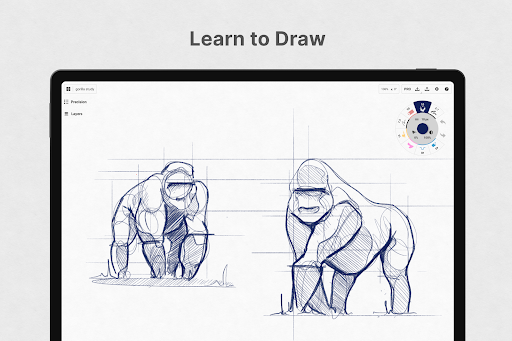
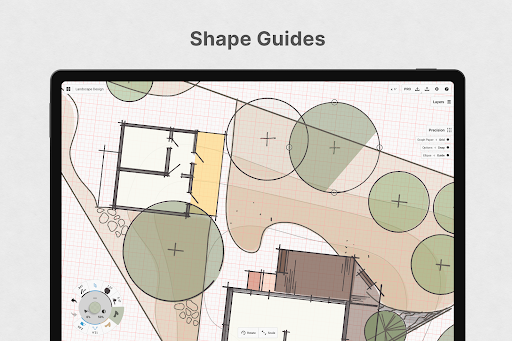
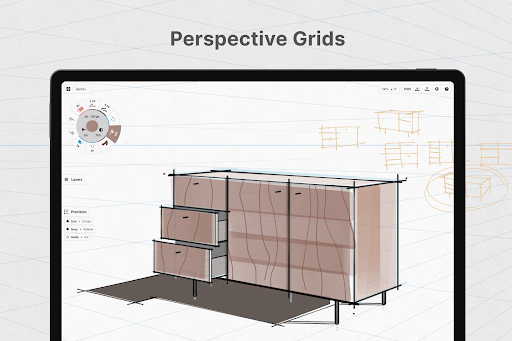
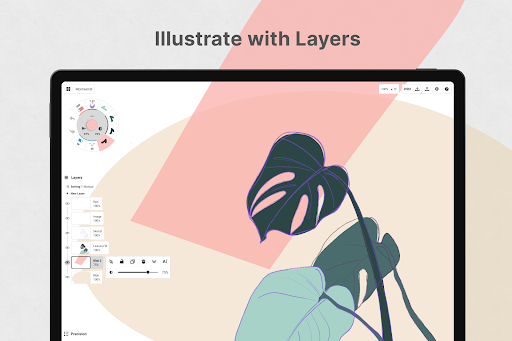
3. Advanced Features for Professionals: Concepts is equipped with advanced features such as different layer options, the ability to import and export files in various formats, and precision tools like rulers and guides. These features are particularly advantageous for professionals who need robust tools for their work.
Con
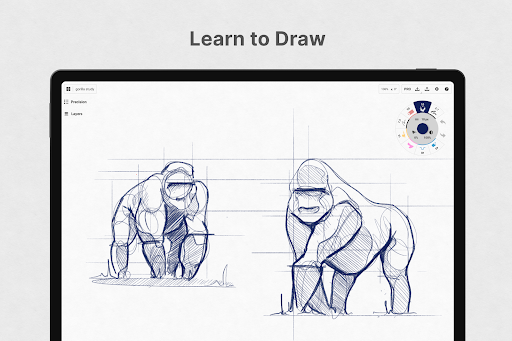
1. Complex Interface for Beginners: With its advanced features and customization options, Concepts can be overwhelming for beginners or casual users. The learning curve might be steep for those who are not familiar with advanced drawing apps or who are looking for a simple tool for casual sketching.
2. Performance Requirements: As a powerful drawing app, Concepts may require a relatively modern and powerful device to run smoothly, especially when dealing with complex drawings or large canvases. Users with older devices may experience performance issues.
3. Cost of Full Feature Set: While Concepts offers a free version, full access to all the tools, brushes, and features may require a subscription or one-time purchase. This cost might be a disadvantage for users who are looking for a fully-featured free drawing app.
Screenshots