
Roku Remote Control: RoByte
-
4.7
Screenshots
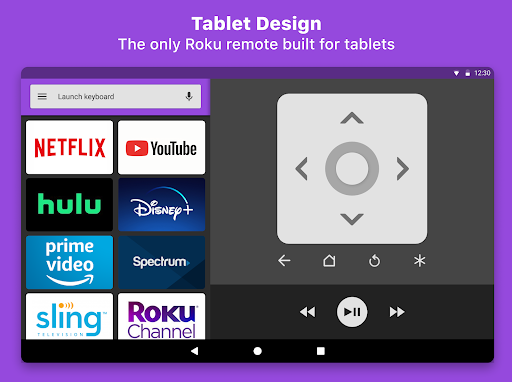
Introduction to Roku Remote Control: RoByte
In the world of streaming, Roku has established itself as a leading platform, offering a wide range of channels and content. However, managing your Roku device can sometimes be a hassle, especially if you misplace the physical remote. This is where the Roku Remote Control: RoByte app comes into play. Designed to enhance your Roku experience, this app transforms your smartphone into a fully functional Roku remote, offering convenience and flexibility at your fingertips.
Key Features of Roku Remote Control: RoByte
Roku Remote Control: RoByte is packed with features that make it a must-have for any Roku user. Here are some of the standout features:
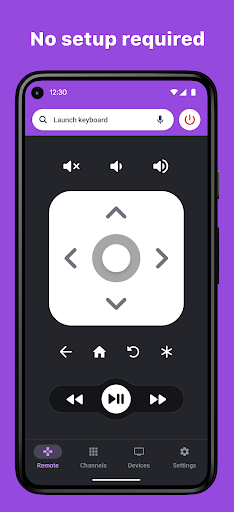
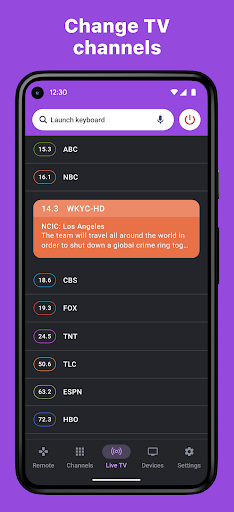
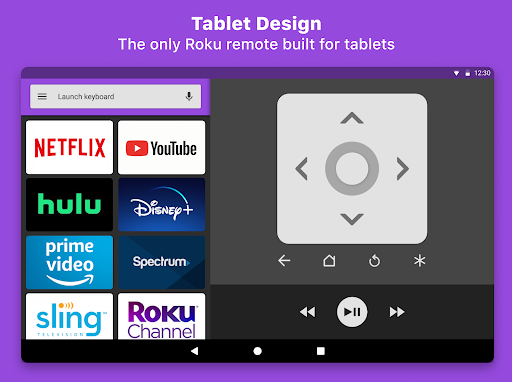
- Virtual Remote: The app provides a virtual remote that mimics the functionality of your physical Roku remote, allowing you to navigate through channels, adjust volume, and control playback seamlessly.
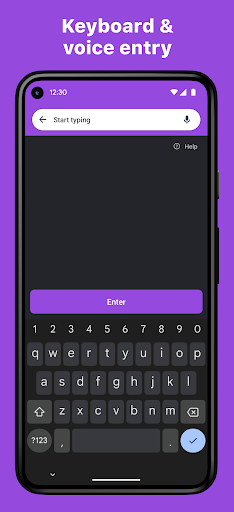
- Voice Search: With built-in voice search capabilities, you can easily find your favorite shows, movies, and channels without typing a single word.
- Keyboard Input: Typing on your TV screen can be cumbersome. The app offers a keyboard input feature, making it easier to enter text for searches, logins, and more.
- Private Listening: Enjoy your favorite content without disturbing others. The app supports private listening through your smartphone, perfect for late-night binge-watching.
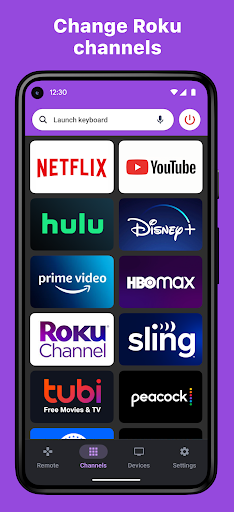
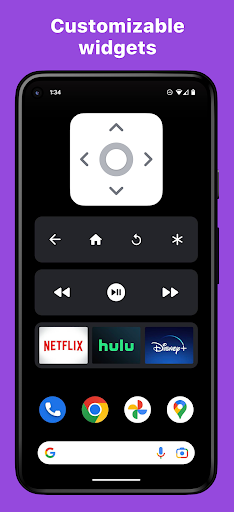
- Customizable Shortcuts: Create shortcuts for your most-used channels and apps, allowing for quick and easy access.
User Experience and Interface
One of the most impressive aspects of Roku Remote Control: RoByte is its user-friendly interface. The app is designed to be intuitive, ensuring that even first-time users can navigate it with ease. The virtual remote is laid out in a familiar format, making the transition from a physical remote to the app seamless. The voice search and keyboard input features are responsive and accurate, enhancing the overall user experience.
Compatibility and Connectivity
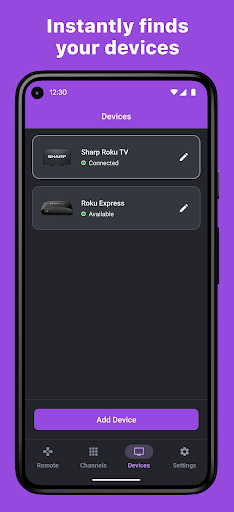
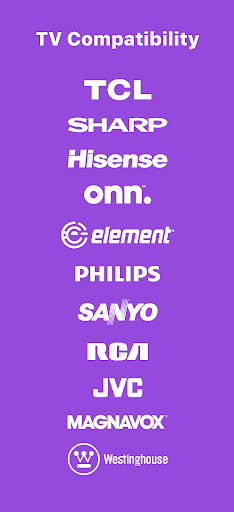
Roku Remote Control: RoByte is compatible with a wide range of Roku devices, including Roku TVs, streaming sticks, and set-top boxes. The app connects to your Roku device via Wi-Fi, ensuring a stable and reliable connection. Setting up the app is straightforward; simply ensure that your smartphone and Roku device are on the same Wi-Fi network, and the app will automatically detect your device.
Pros and Cons
Like any app, Roku Remote Control: RoByte has its strengths and weaknesses. Here’s a quick overview:
- Pros:
- Convenient and easy to use
- Voice search and keyboard input features
- Private listening capability
- Customizable shortcuts
- Cons:
- Requires a stable Wi-Fi connection
- Limited functionality compared to the physical remote (e.g., no power button)
Conclusion
Roku Remote Control: RoByte is a powerful tool that enhances your Roku streaming experience. With its user-friendly interface, robust features, and seamless connectivity, it’s an excellent alternative to the traditional physical remote. Whether you’ve misplaced your remote or simply prefer the convenience of using your smartphone, Roku Remote Control: RoByte is a worthy addition to your streaming toolkit. Download it today and take control of your Roku device like never before.


