QR & Barcode Scanner
-
4.7
-
Developer
Lesmos
-
Category
Tools
-
Version
1.0.6
-
Android OS
Varies with device
-
Downloads
300M
-
Content rating
0
Pros
Lightning-fast, reliable scanning that instantly detects and decodes QR codes and barcodes with autofocus and smart framing. Works in low light, supports batch scanning, and opens links or saves contact data immediately. That speed and accuracy streamline everyday tasks, reducing steps and saving users significant time.
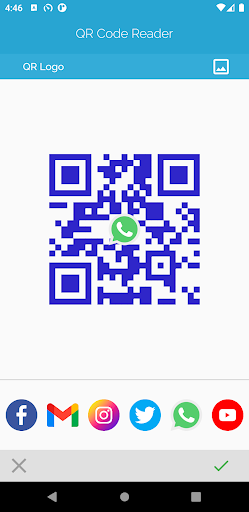
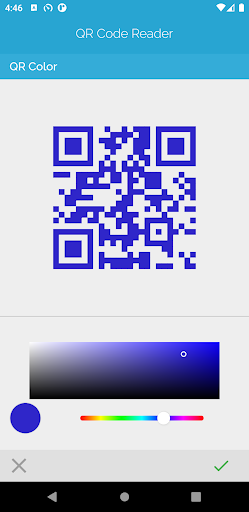
Extensive format support and versatile functionality let the app handle UPC, EAN, Data Matrix, PDF417, Aztec, and all standard QR types. It decodes URLs, vCards, Wi‑Fi credentials, and payment tokens, plus generates customizable QR codes, exports scan history, and performs offline scanning to protect data privacy.
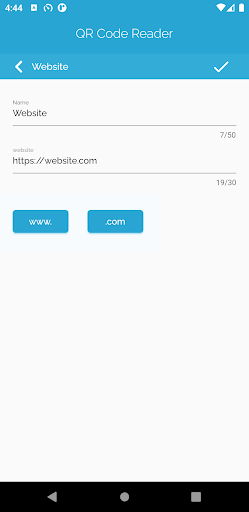
Designed for simplicity and security, the app features a clean interface, quick access to recent scans, and easy sharing to email, messaging, or cloud storage. Lightweight performance, minimal permissions, and regular updates ensure compatibility across devices while keeping user data private and reducing intrusive ads for a seamless experience.
Cons
Privacy and security concerns: QR & Barcode Scanner requires camera access and may collect usage or scan metadata. Some versions send data to third-party servers or lack clear privacy policies, increasing risk that scanned content or personal information could be exposed. Users should be cautious with sensitive codes or unknown links.
Intrusive advertising and limited features: The free version of QR & Barcode Scanner often relies on full-screen ads, pop-ups, or persistent banners that interrupt scanning. Advanced functions like batch scanning, history export, or ad-free experience are usually behind a paywall, which can frustrate users who expect a simple, lightweight tool.
Scanning reliability and compatibility issues: Performance can degrade with damaged, low-contrast, or skewed codes, and the app may struggle in poor lighting or with older device cameras. Some scanners also lack support for less common barcode formats or produce incorrect data parsing, leading to failed scans or incorrect redirections.
Screenshots