GPS Map Camera
-
4.1
-
Developer
GPS Map Camera
-
Category
Photography
-
Version
1.4.33
-
Android OS
Varies with device
-
Downloads
370M
-
Content rating
0
Pro
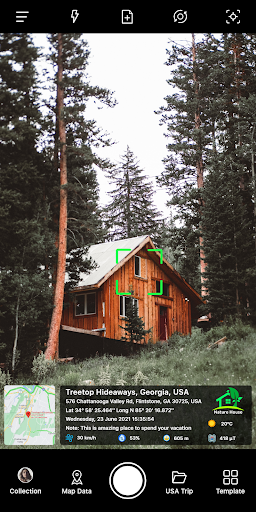
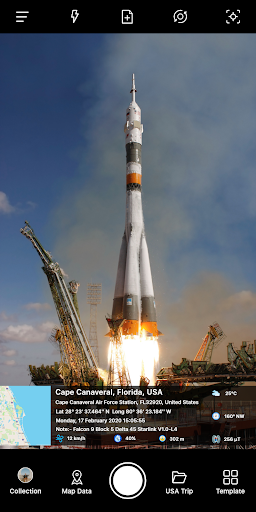
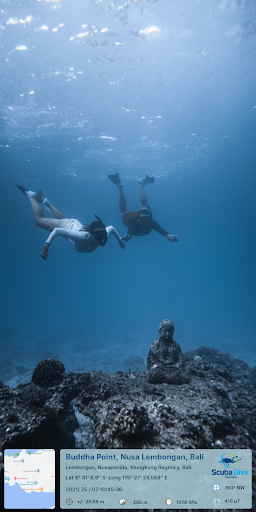
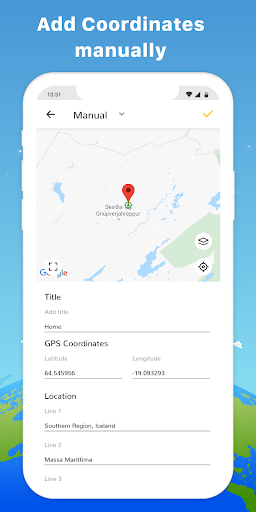
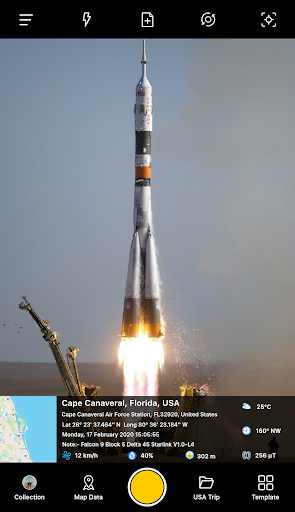
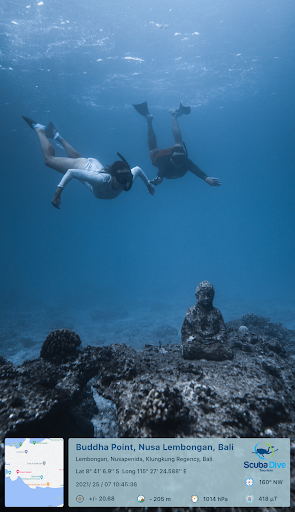
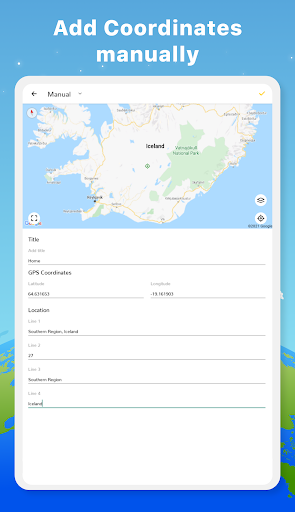
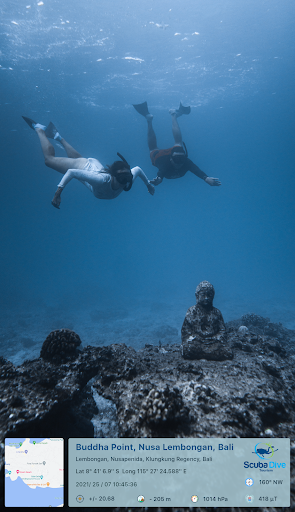
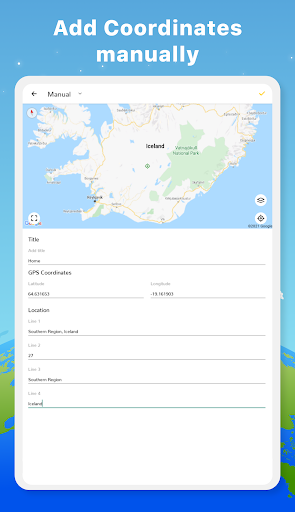
1. Geotagging Capabilities: GPS Map Camera embeds precise location coordinates into your photos' metadata, enabling users to effortlessly track and catalog the exact geographical context of each image, which is incredibly handy for travelers, researchers, and professionals needing location-based documentation.
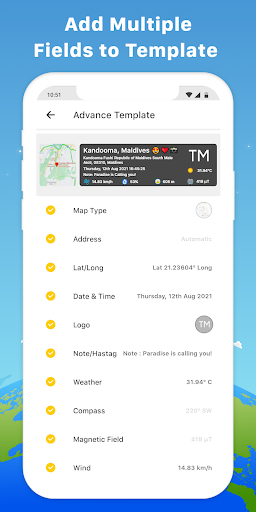
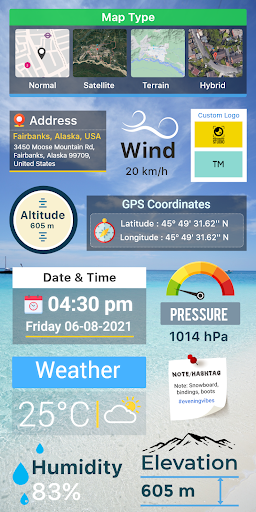
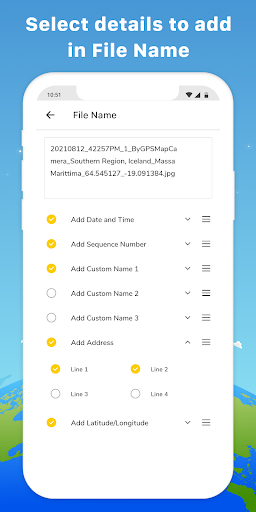
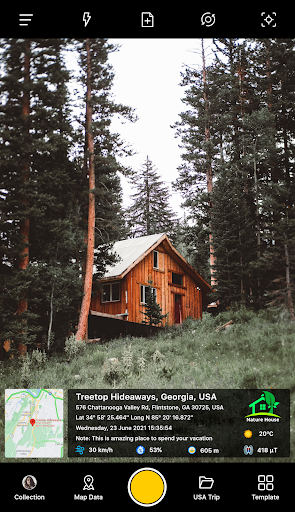
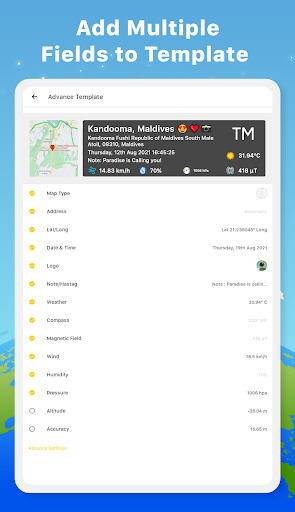
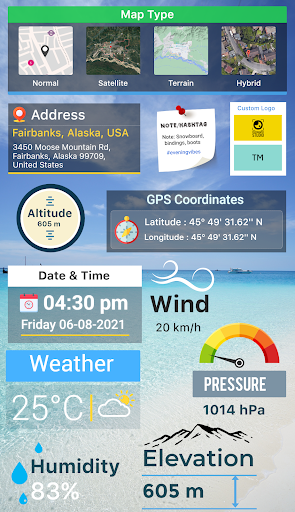
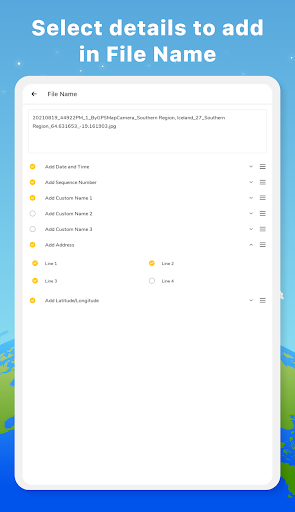
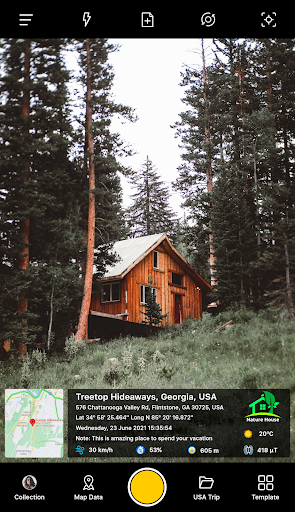
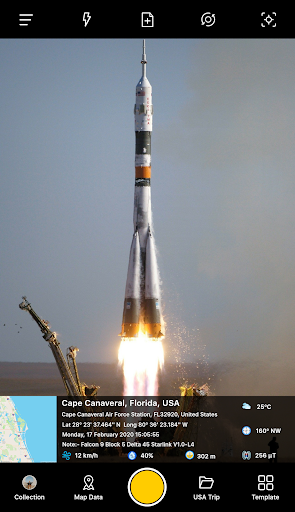
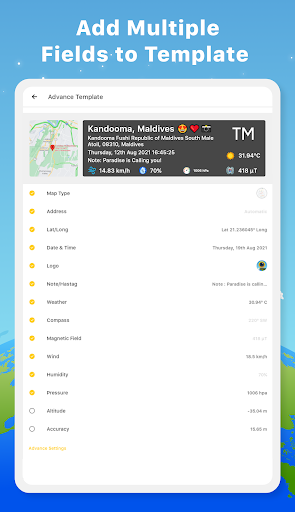
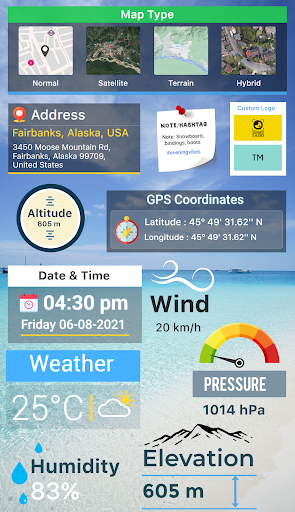
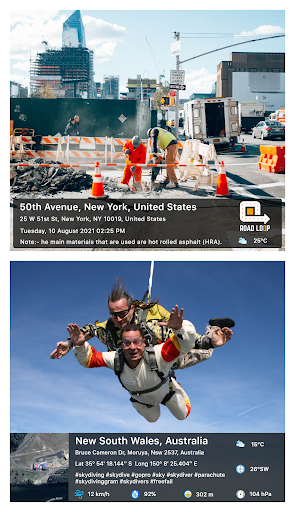
2. Customizable Stamp Features: The app allows users to add customizable stamps to photos, displaying information like latitude, longitude, altitude, date, and time. It's useful for organizing images and providing additional context at a glance without having to access separate files or databases.
3. Live Map View: By integrating real-time GPS data, the GPS Map Camera gives users the ability to see and capture their live position on the map directly through the photo interface. This enhances the immediacy and accuracy of location-focused photography, perfect for outdoor activities and location scouting.
Con
1. Privacy Concerns: GPS Map Camera application embeds precise location data into photos, which if shared, can expose users' locations to unknown parties, potentially leading to privacy risks and security concerns if sensitive locations are inadvertently disclosed.
2. Battery Drain: Continuously using the GPS to tag photos with location data can consume significant battery life on a mobile device, potentially leaving users with a drained battery when it may be most needed during travels or long outings.
3. Accuracy Issues: GPS signal quality can vary depending on environmental factors such as buildings, weather, and natural obstructions. This can result in inaccurate location tagging in photos, which might be misleading or problematic when accurate geotagging is essential.
Screenshots