Pixelup
-
4.6
-
Developer
Codeway Dijital
-
Category
Photography
-
Version
1.4.0
-
Android OS
Varies with device
-
Downloads
920M
-
Content rating
0
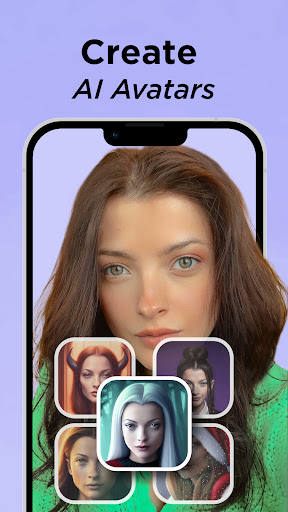
Turn your old, blurry photos into high definition with Pixelup's AI photo enhancer!
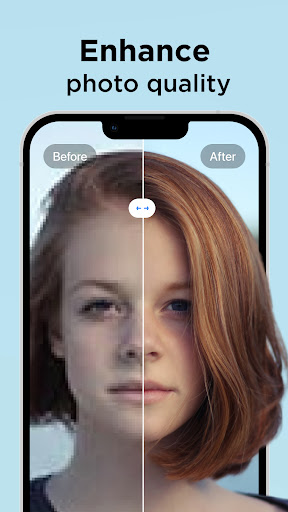
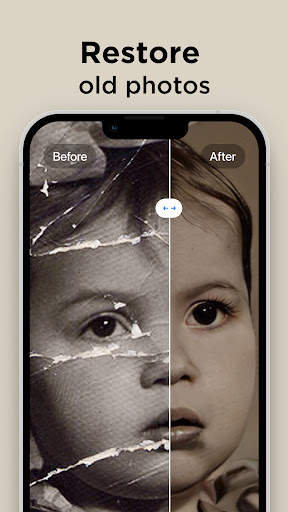
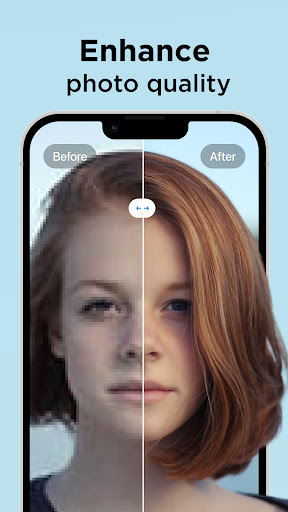
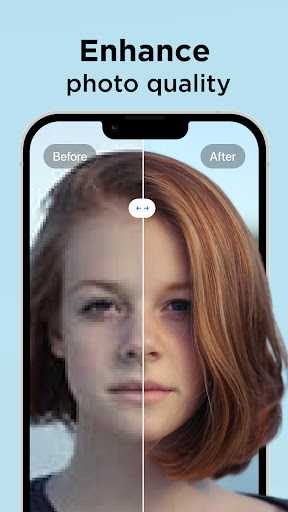
With Pixelup's enhanced Artificial Intelligence (AI), you can enhance photo quality instantly. Colorize and unblur old, pixelated, damaged pictures and turn them into crystal clear HD photos and get revitalized.
Pixelup helps you to:
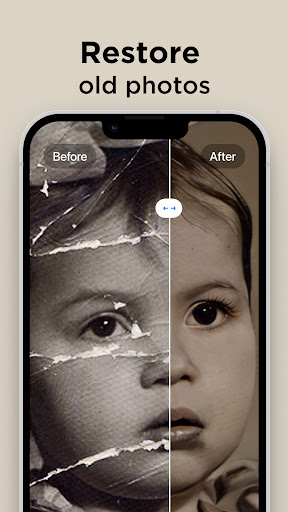
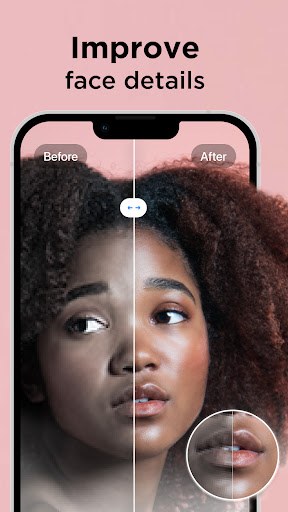
ENHANCE PHOTO QUALITY
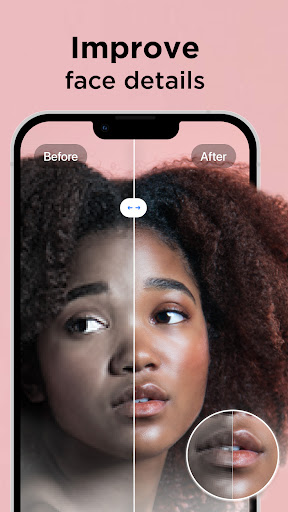
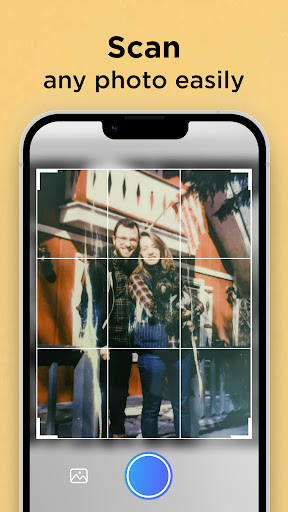
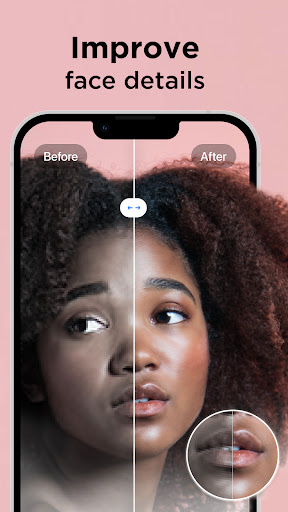
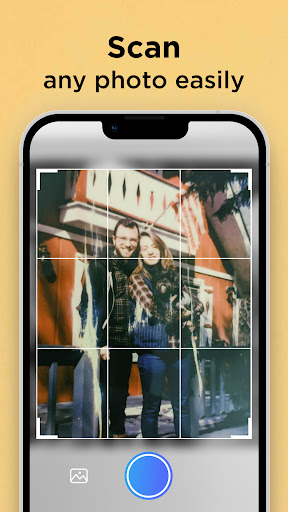
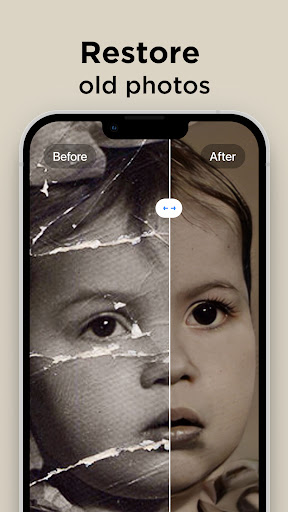
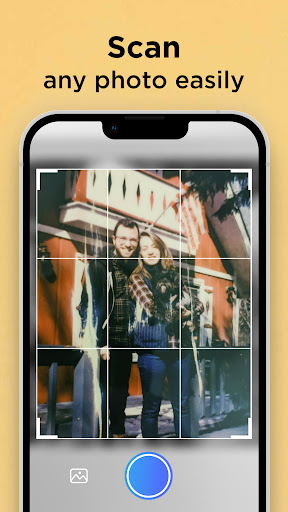
Either upload your best selfie or take a photo of an old picture with the camera, Pixelup’s photo enhance feature will make your photos brand new and in HD resolution. Enhanced AI algorithms will give you a flawless face even when zoomed in. You can easily restore old photos now.
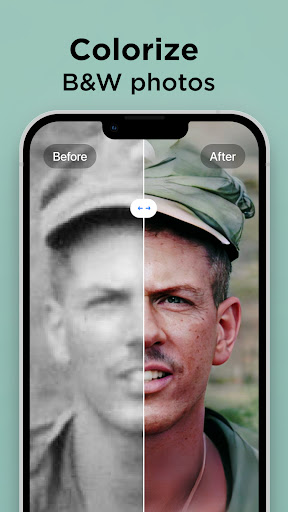
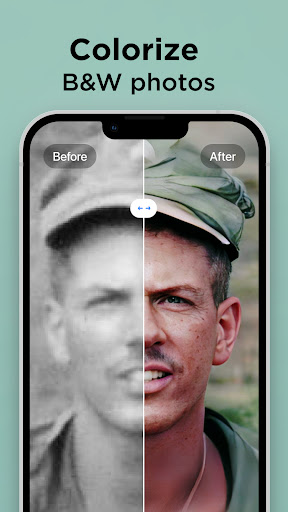
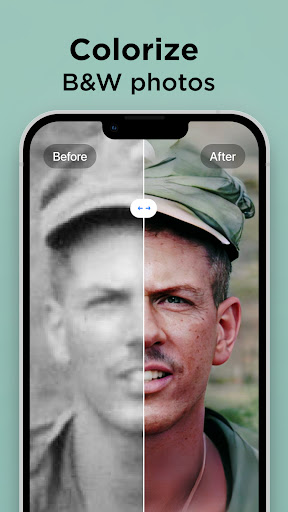
COLORIZE BLACK AND WHITE PICS
Colorize your nostalgic, old, black & white family photos and make them new again. Bring color to any photo with only one tap.
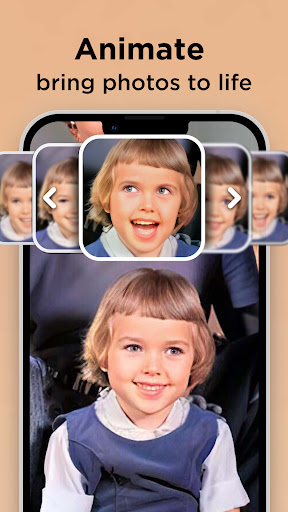
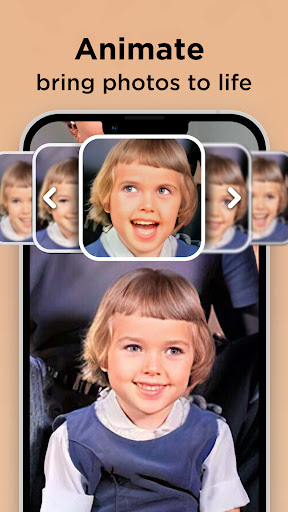
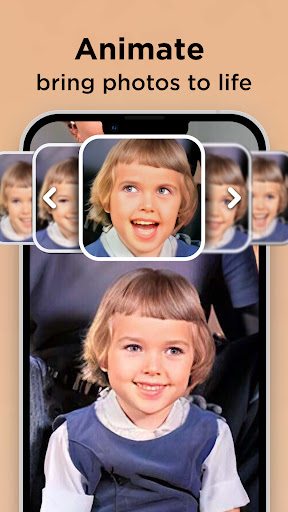
ANIMATE PHOTOS
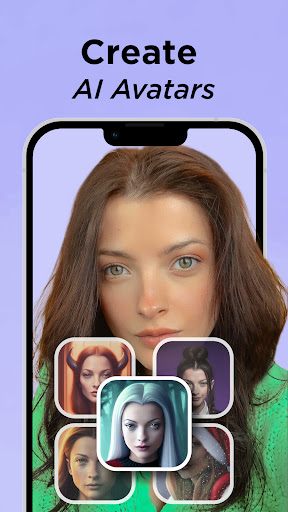
Animate old photos with the ‘Animate’ feature. Enhance & colorize photos and then use the ‘Animate’ feature to bring memories back to life. The best face animator to animate faces, create amazing talking pictures then you can make photos come alive, try it on yourself, your friends, or even your celebrity crush.
SHARE PHOTOS & VIDEOS WITH ONE TAP
Pixelup gives you a perfectly enhanced photo or an animated video that's ready to share & get the most likes on Instagram, TikTok, Snapchat, Facebook, or your favorite chat group!
Let's enhance and animate your blurred photos!
Payment & Subscription Terms:
Choose between the following subscription options for unlimited access to all features:
• Weekly Subscription
• Annual Subscription
*You may cancel your subscription at any time*
Have a feature in mind but you don’t see it in the app? Do not hesitate to contact us at [email protected]
Screenshots