



Pro
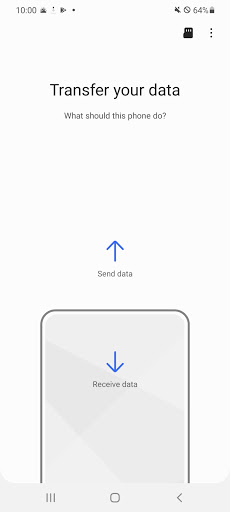
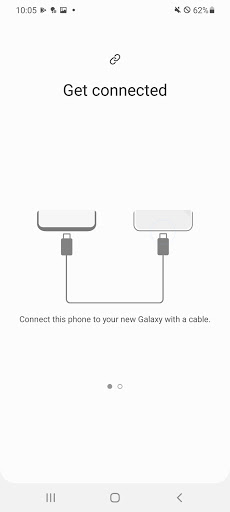
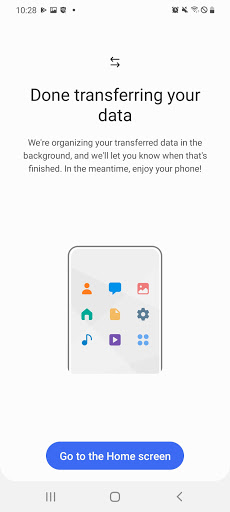
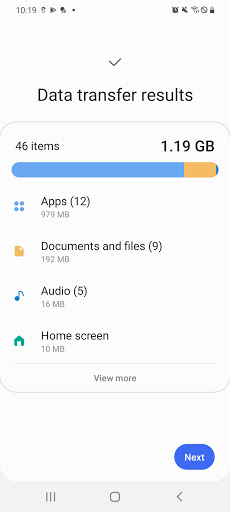
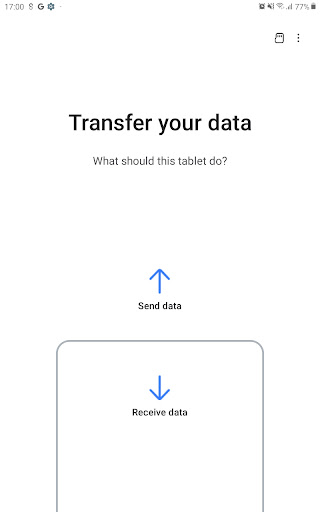
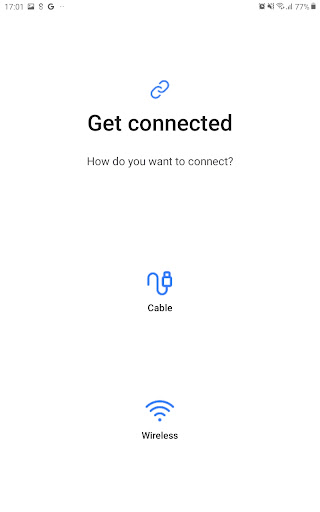
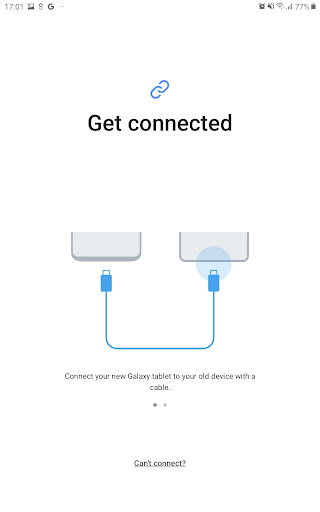
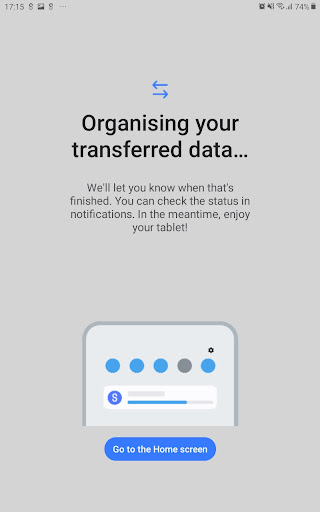
👍 Complete, fast device migration: Samsung Smart Switch Mobile moves contacts, messages, photos, videos, calendars, call logs, settings, home screen layout and most apps in one go. It supports wired USB‑OTG or wireless transfers and can import from iCloud/iTunes or Android devices, making setup of a new Samsung quick and practically seamless.
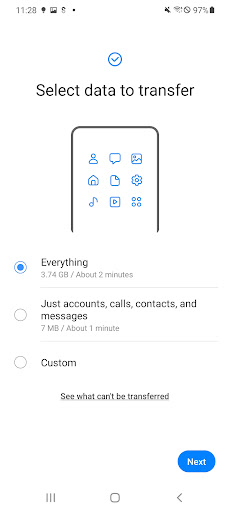
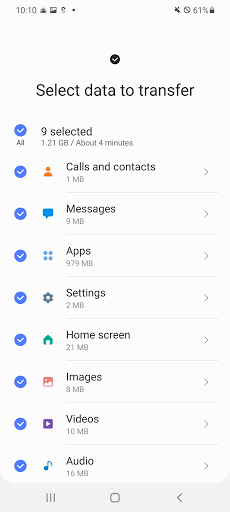
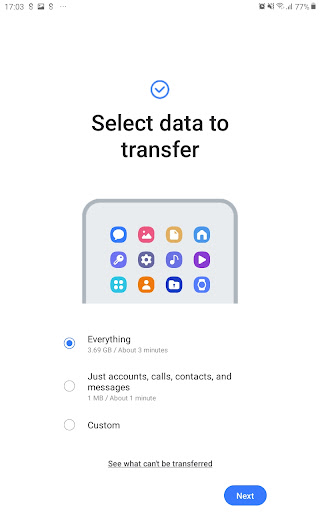
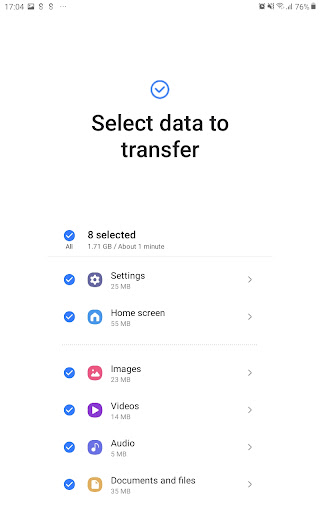
👍 Intuitive interface and smart app matching streamline setup: Smart Switch automatically maps installed apps, restores compatible app data, preserves home screen organization and lets you selectively choose what to transfer. Minimal steps and guided prompts reduce manual configuration, saving time and lowering frustration when switching phones.
👍 Secure local backups and flexible restore options: Smart Switch transfers directly between devices or backs up data to a PC or SD card, avoiding cloud exposure and reducing privacy risk. Backup files are easy to manage and restore, giving users confidence that important data is safely preserved during migration or device upgrades.
Con
👎 Samsung Smart Switch Mobile doesn’t support every phone or OS version. Features vary by device model and manufacturer; older phones, heavily modified Android skins, or non-Samsung hardware may be partially unsupported. iOS transfers are limited by Apple restrictions, so some content and settings won’t migrate cleanly between platforms.
👎 Transfers can be slow or unreliable with large backups or unstable connections. Wi‑Fi Direct, cable, or PC transfers sometimes time out, fail mid-transfer, or require multiple attempts. Users report long waits for photos and videos and occasional data corruption when interruptions occur, making migration stressful for big or complex libraries.
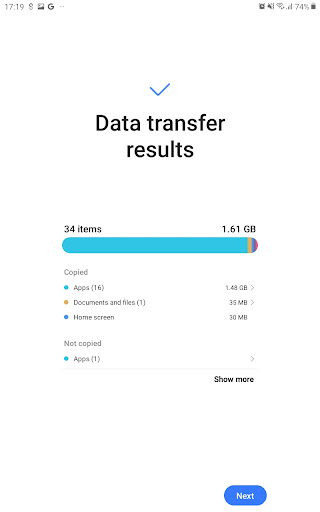
👎 Smart Switch does not move everything: app-specific data, saved passwords, DRM‑protected media, some messaging content, and certain system settings often won’t transfer. The app also needs broad permissions and access to storage, contacts, and accounts, which raises privacy concerns for users who prefer more granular control during migration.


