





Pro
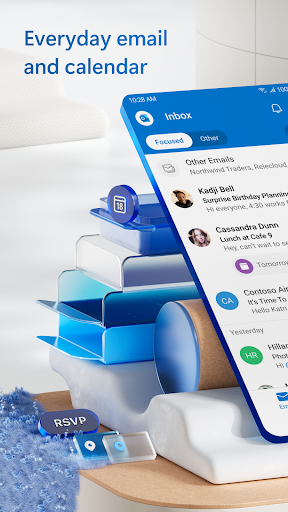
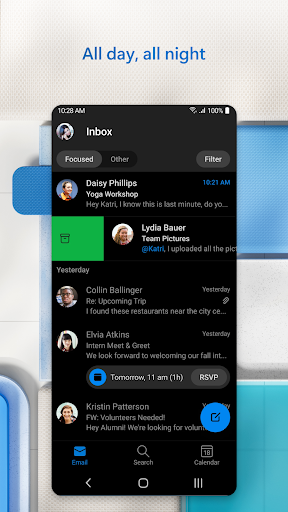
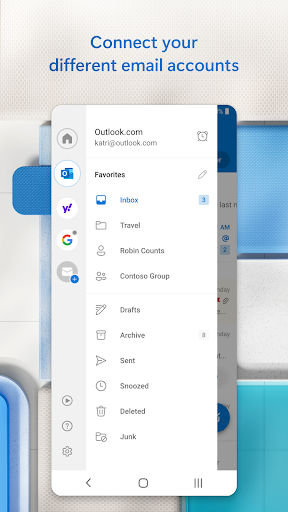
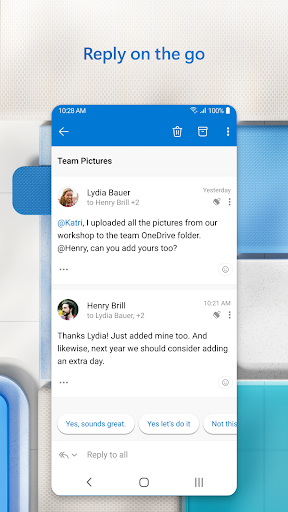
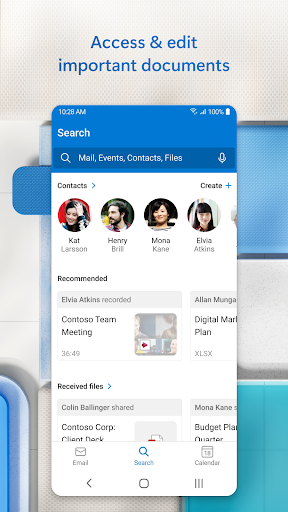
👍 Outlook streamlines email with Focused Inbox, customizable rules, advanced search, and unified account support, making it easy to prioritize messages and find important threads. Built-in filters, folders, and quick actions reduce clutter and boost productivity across desktop and mobile, keeping communication organized for professionals and teams.
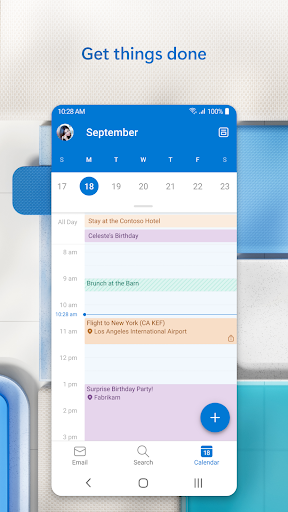
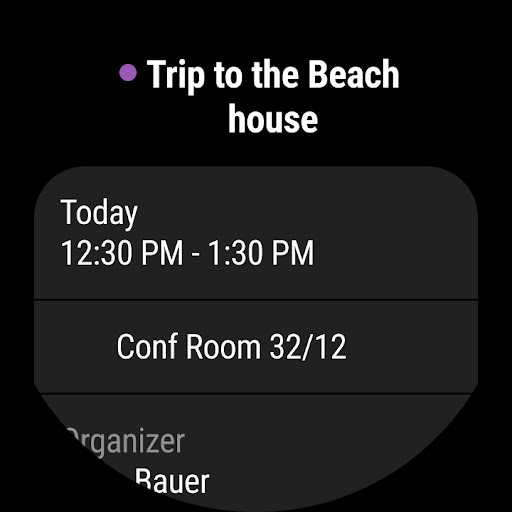
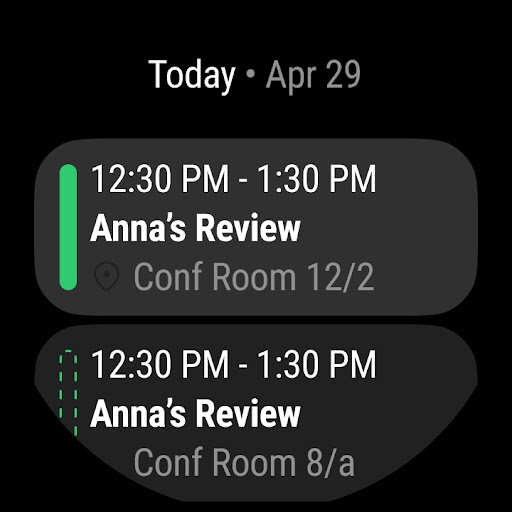
👍 Integrated calendar and scheduling tools let users manage meetings, shared calendars, and reminders in one place. Outlook’s Scheduling Assistant, time-zone support, RSVP tracking, and seamless integration with Teams and Office apps simplify planning and collaboration, reducing back-and-forth email and helping teams coordinate availability more efficiently.
👍 Enterprise-grade security and extensibility protect data while supporting workflow customization. Outlook provides encryption, phishing detection, multi-factor authentication, and compliance controls alongside centralized admin policies. Wide add-in support and Microsoft 365 integration enable automation, CRM links, and third-party tools, giving organizations secure, scalable email and productivity across devices.
Con
👎 Microsoft Outlook can feel cluttered and intimidating to new users. The feature-rich interface, complex ribbon menus, and numerous configuration options create a steep learning curve. Casual users often struggle to find basic functions like archiving, rules, or calendar settings, which can reduce productivity until they master the layout.
👎 Outlook can be resource-intensive, especially with large mailboxes or multiple accounts. Desktop versions may consume significant RAM and CPU, slowing older machines during search, startup, or syncing. Large PST/OST files can cause sluggishness, corruption risks, and lengthy backup or migration times for power users and organizations.
👎 Syncing across devices and with third-party services can be inconsistent. Users sometimes encounter delayed or missing messages, calendar conflicts, or failed rule syncing, particularly with IMAP or non-Exchange accounts. The mobile app also lacks full feature parity with desktop, limiting advanced mailbox management on the go.


