


Pro
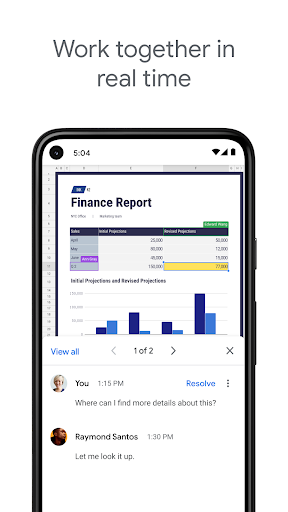
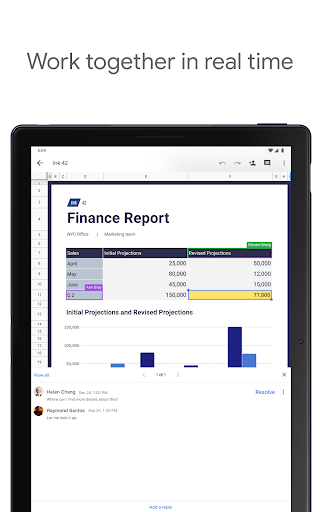
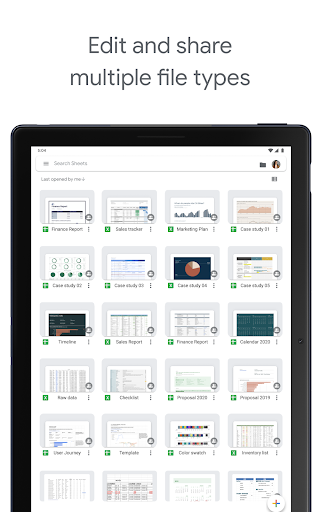
👍 Google Sheets enables real-time collaboration, letting multiple users edit simultaneously with instant syncing, comments, and suggestions. Built-in version history and granular sharing permissions simplify teamwork, reduce merge conflicts, and streamline review cycles — ideal for distributed teams coordinating data, budgets, and reports without sending multiple file versions.
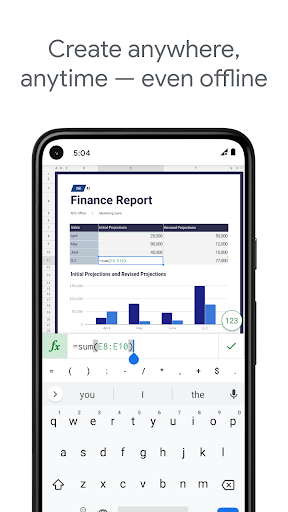
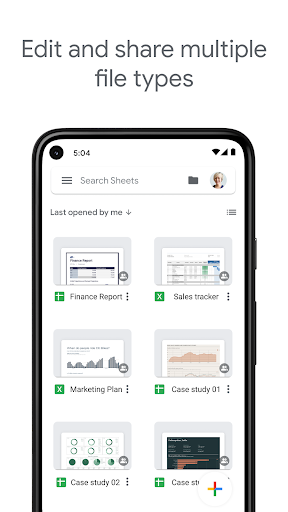
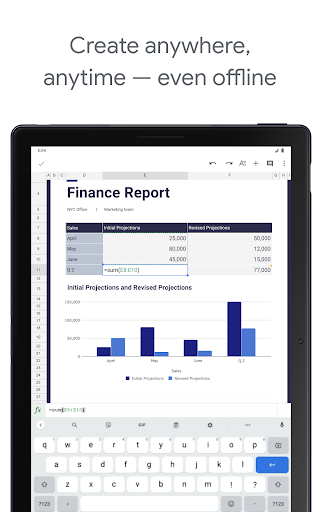
👍 Because it’s cloud-based, Google Sheets offers instant access from any device, with automatic saving and offline mode for uninterrupted work. Tight integration with Google Drive, Gmail, and mobile apps keeps spreadsheets synced across platforms, while sharing links and permissions make distribution and collective editing effortless.
👍 Google Sheets packs powerful data tools — built-in formulas, pivot tables, charts, conditional formatting, and data validation — plus Apps Script and add-ons for automation and custom integrations. Its compatibility with Excel and APIs accelerates reporting and analytics, letting users automate workflows, create dashboards, and scale spreadsheet-driven processes.
Con
👎 Google Sheets struggles with very large datasets and complex spreadsheets. Performance often degrades as rows, formulas, and real-time collaborators increase: slow loading, lagging recalculations, and script timeouts are common. Sheets also has cell/size limits (roughly 10 million cells), making it unsuitable for enterprise-scale data or heavy analytics.
👎 While convenient, Google Sheets lacks several advanced features found in desktop spreadsheets. It offers fewer built-in statistical functions, limited pivot-table flexibility, and less chart customization. There’s no true Power Query/Power Pivot equivalent, and Apps Script/macros are slower and more constrained, so complex modeling or automated workflows can be harder to implement.
👎 Google Sheets' cloud-centric design improves collaboration but complicates offline work, version control, and privacy. Offline mode is limited and sync conflicts can occur; converting complex Excel files often breaks formatting or macros. Relying on cloud sharing also raises concerns about access control and compliance when handling sensitive or regulated data.


