



Pro
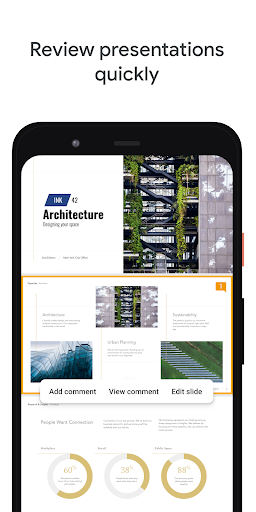
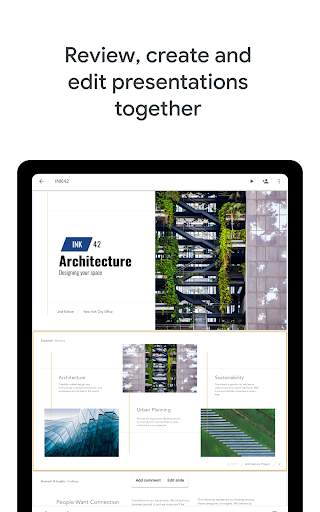
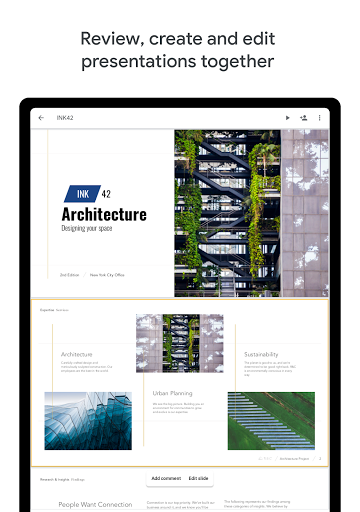
👍 Google Slides excels at real-time collaboration, allowing multiple users to edit simultaneously, leave comments, and suggest changes. Version history lets teams track edits and revert as needed. This immediate, cloud-based teamwork speeds up review cycles, reduces email back-and-forth, and keeps presentations consistent across contributors and devices.
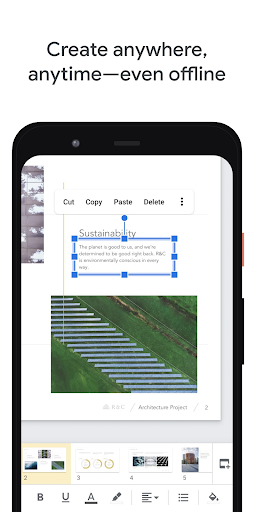
👍 As a cloud-based app, Google Slides offers automatic saving and access from any device via Google Drive. Offline mode ensures editing without internet, and simple sharing controls let you manage view or edit permissions. Export options include PPTX and PDF, making it easy to distribute presentations and collaborate across different platforms.
👍 Google Slides provides a wide range of templates, themes, and easy customization tools, plus transitions and animations to make presentations engaging. Presenter view, speaker notes, and built-in accessibility features improve delivery. Powerful integrations (YouTube, Google Images, add-ons, and Workspace apps) streamline content creation and enhance functionality.
Con
👎 Google Slides lacks many advanced design and formatting tools found in desktop apps like PowerPoint. It offers fewer animation types, limited slide-master control, and basic chart customization, making it harder to create highly polished, branded presentations or complex visual layouts without workarounds or external tools.
👎 While Slides is cloud-based for collaboration, its offline mode is limited and can be unreliable. Large presentations with high-resolution images or embedded media often load slowly, lag, or fail to sync. Dependence on a strong internet connection can disrupt live presenting and hinder productivity in low-connectivity situations.
👎 Importing or exporting complex PowerPoint files can produce formatting errors, font substitutions, misplaced animations, and broken embedded videos. Slides’ compatibility limitations mean collaborative teams may spend time fixing layout and interactivity issues after conversion, making it risky for clients or events that require perfect file fidelity.


