




Pro
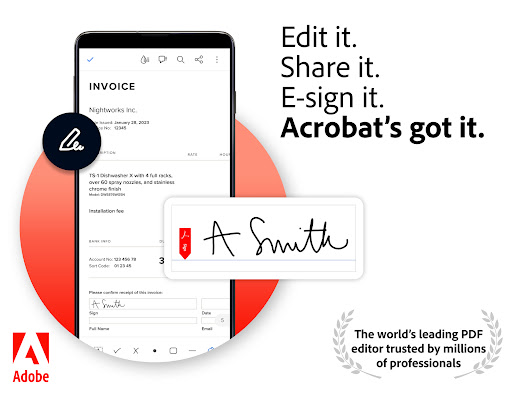
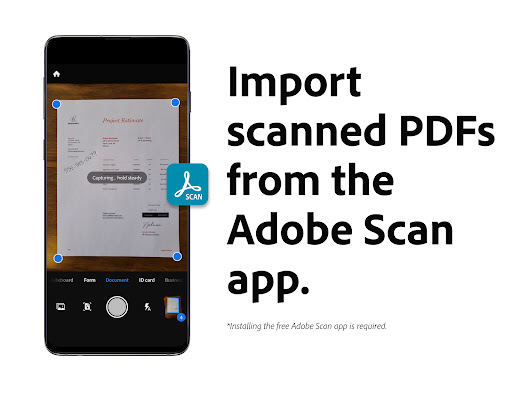
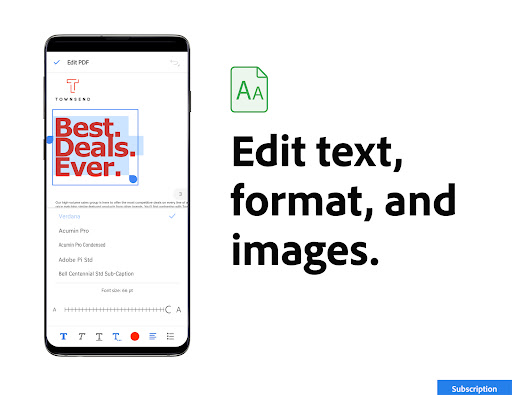
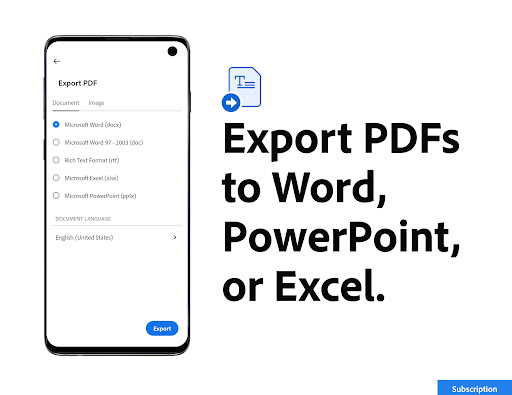
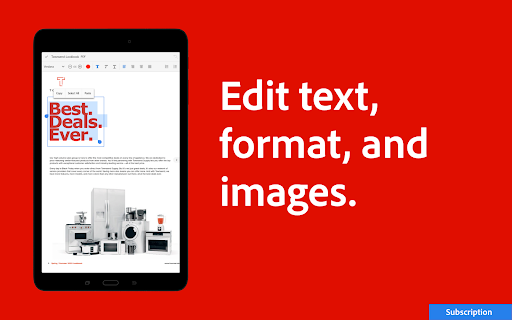
👍 Adobe Acrobat Reader: Edit PDF delivers powerful, precise editing tools that let you modify text and images, rearrange pages, and convert files between PDF and Office formats. Built-in OCR makes scanned documents editable, preserving layout and fonts so you can correct errors, update content, or extract information without recreating files.
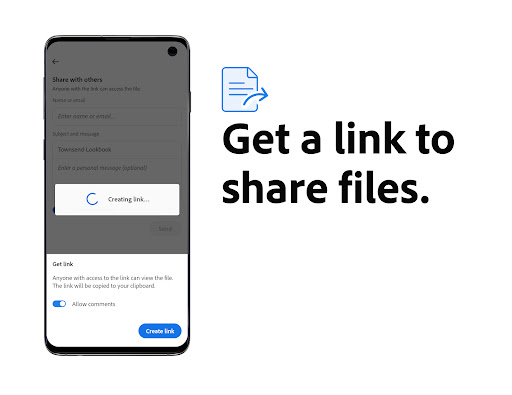
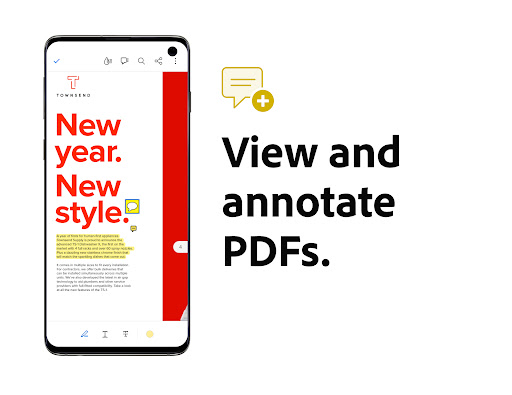
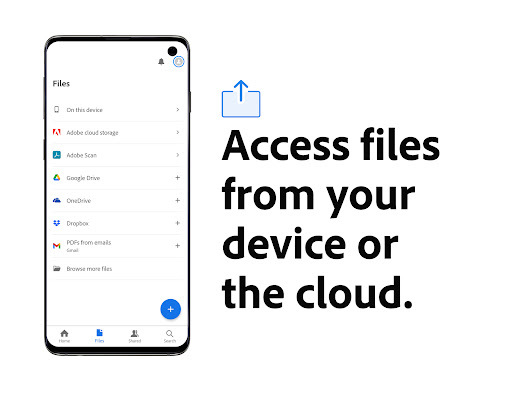
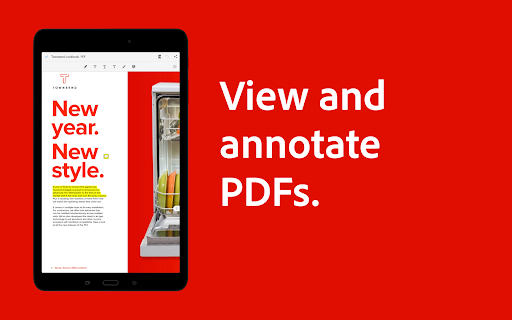
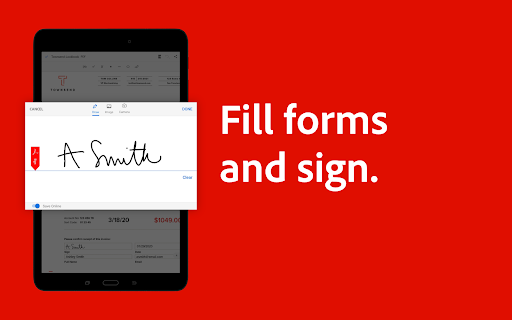
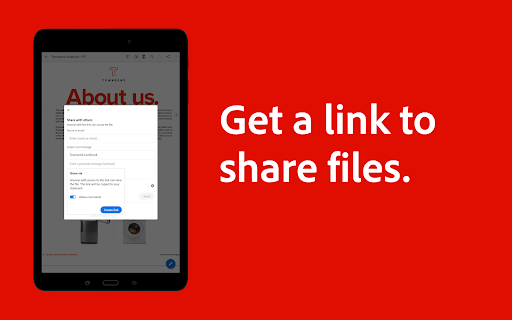
👍 Robust collaboration and productivity features streamline teamwork: highlight, comment, and annotate PDFs, share secure review links, and track feedback in one place. Fill-and-sign forms, collect e-signatures, and sync changes through Adobe Document Cloud for seamless cross-device access—ideal for remote teams and professionals who need fast, coordinated document workflows.
👍 Enterprise-grade security and dependable performance protect sensitive files. Adobe’s trusted platform supports password protection, redaction, and certified e-signatures while maintaining faithful rendering across devices. Fast loading, file compression, and integration with enterprise storage make Acrobat Reader a secure, efficient choice for organizations that require compliance, reliability, and consistent PDF fidelity.
Con
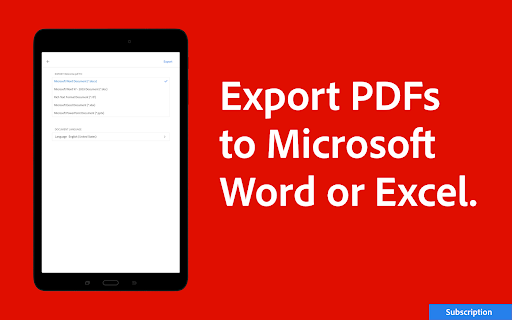
👎 Many useful features are locked behind Adobe’s subscription, making the free Acrobat Reader limited. Tasks like advanced editing, OCR on scans, redaction, and exporting to Word require a paid Acrobat Pro plan, which increases cost for regular users and can be frustrating when a single feature needs a subscription.
👎 The app’s editing tools are basic compared with full desktop editors; complex layout changes often break formatting. Text flow, fonts, and images can shift when you edit, and advanced features such as precise form creation or batch processing are missing or cumbersome, forcing professionals to seek alternative software.
👎 Acrobat Reader can be resource-heavy and slow on older machines or mobile devices; large files and frequent updates consume storage and memory. Many features rely on Adobe Cloud, limiting offline work and raising privacy concerns for sensitive documents if users aren’t comfortable syncing to external servers.


